02 / 12
Lumos
Local control for Tuya smart lights, with Apple HomeKit built in.
The problem
Tuya and Smart Life Wi-Fi bulbs are cheap and everywhere, but you control them through the vendor's phone app, and every command goes through Tuya's cloud. There is no Apple Home support, no proper Windows app and nothing that reacts to what's on screen.
The hard call
I chose local LAN control over the cloud API. Commands go straight to the bulb over the home network: no server in the path, and a light answers in about 30 to 100 ms. The cost is setup. Each bulb's local key has to be pulled once through a Tuya developer project and TinyTuya. A bulb also accepts only one local controller at a time.
What I built
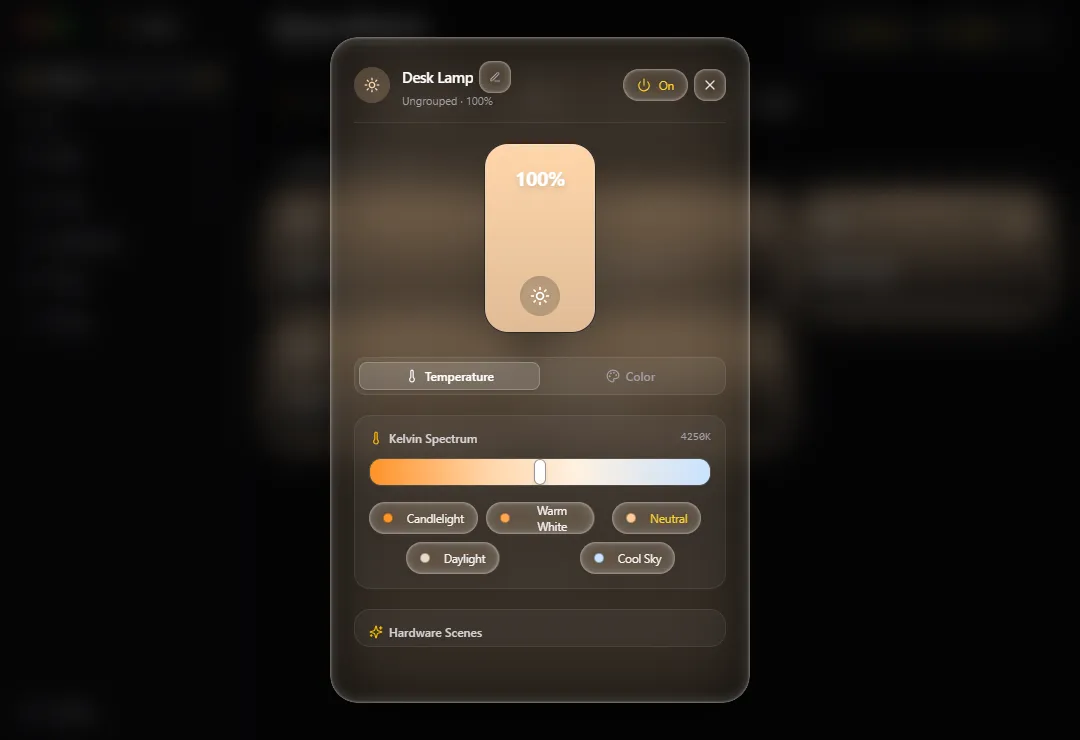
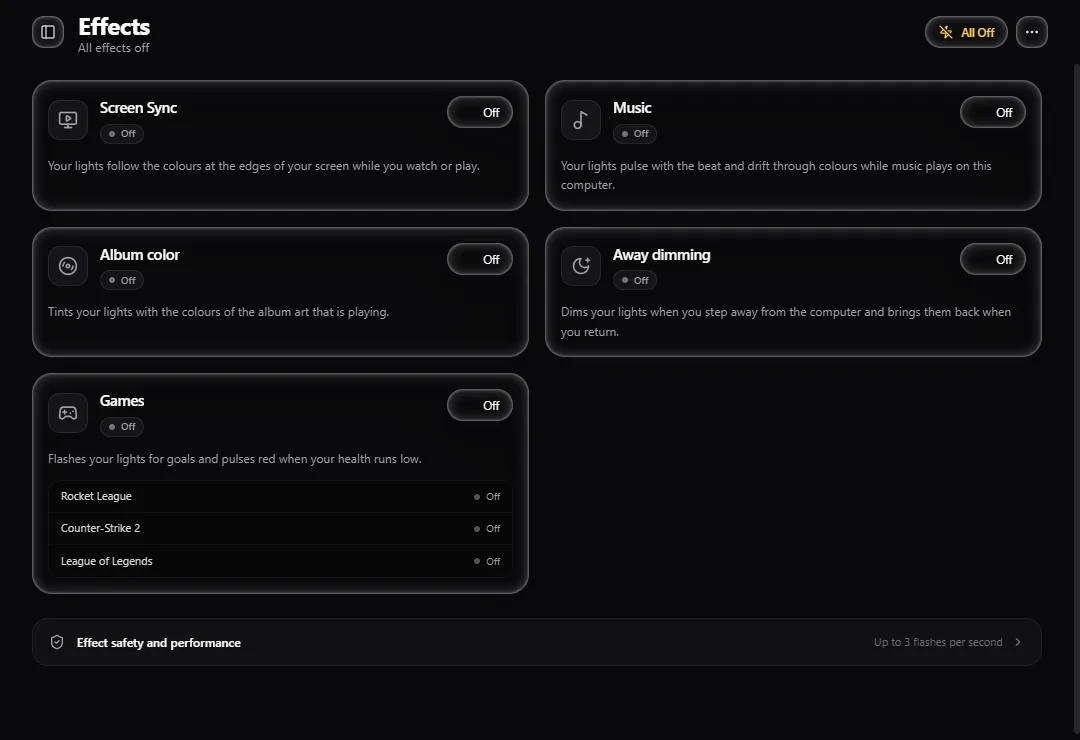
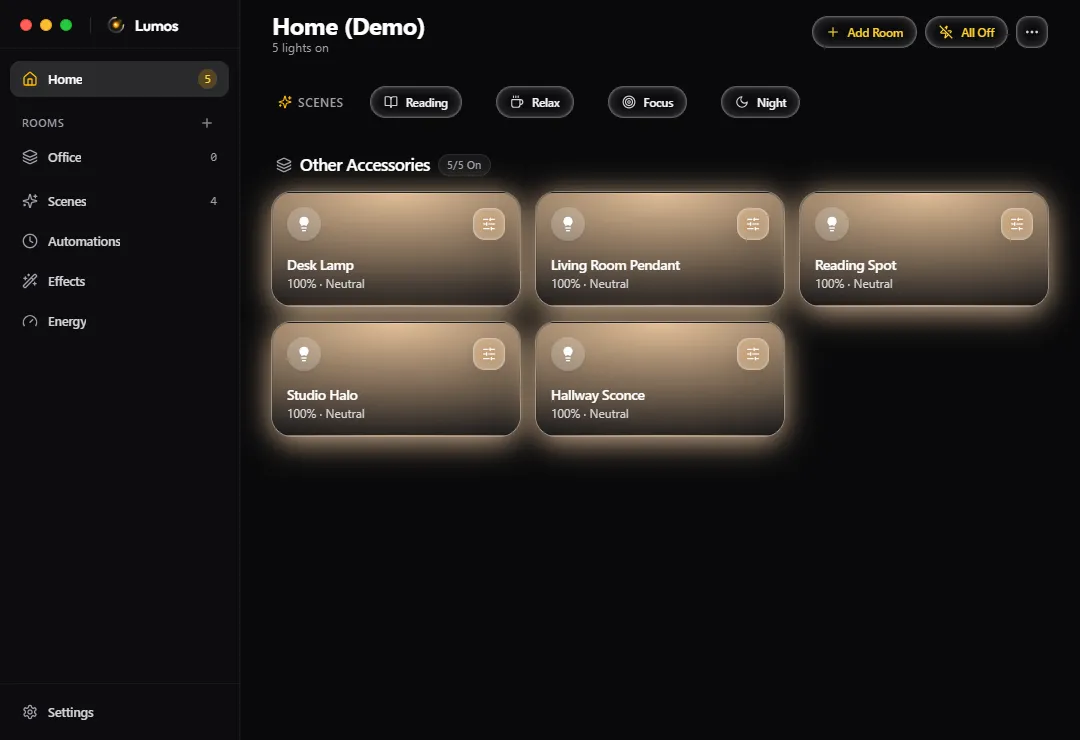
A Windows desktop app with rooms, scenes, automations, a HomeKit bridge so Siri can control the lights, and effects that follow the screen, music, album art and game events. A flash limiter protects people with photosensitivity, and an optional Bulb protection mode caps commands per second.
Outcome
- I use it every day.
It ships as a Windows installer on GitHub Releases, now at version 2.1.9, and checks for its own updates. Hidden in the tray it uses about 0.01% CPU.